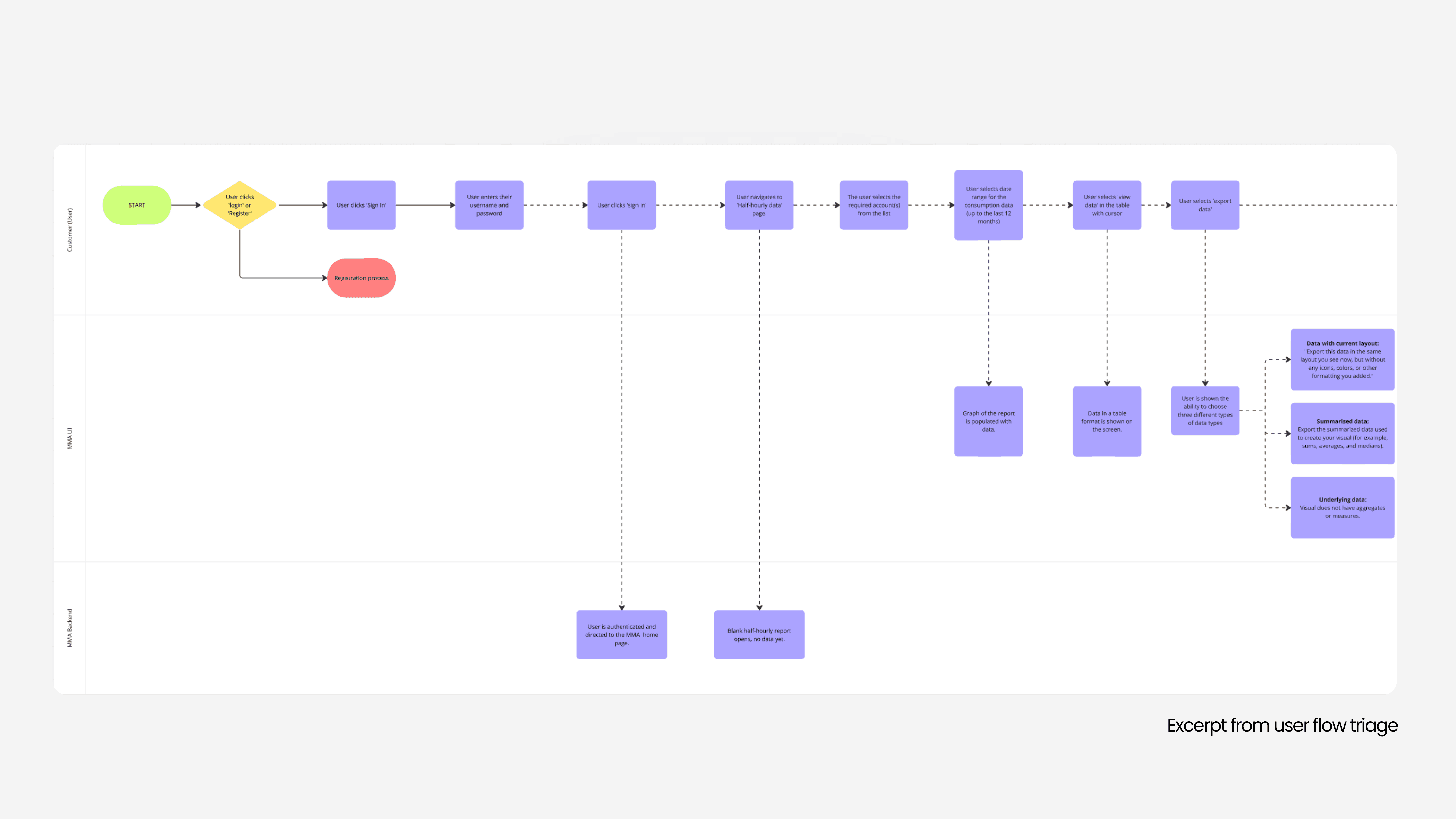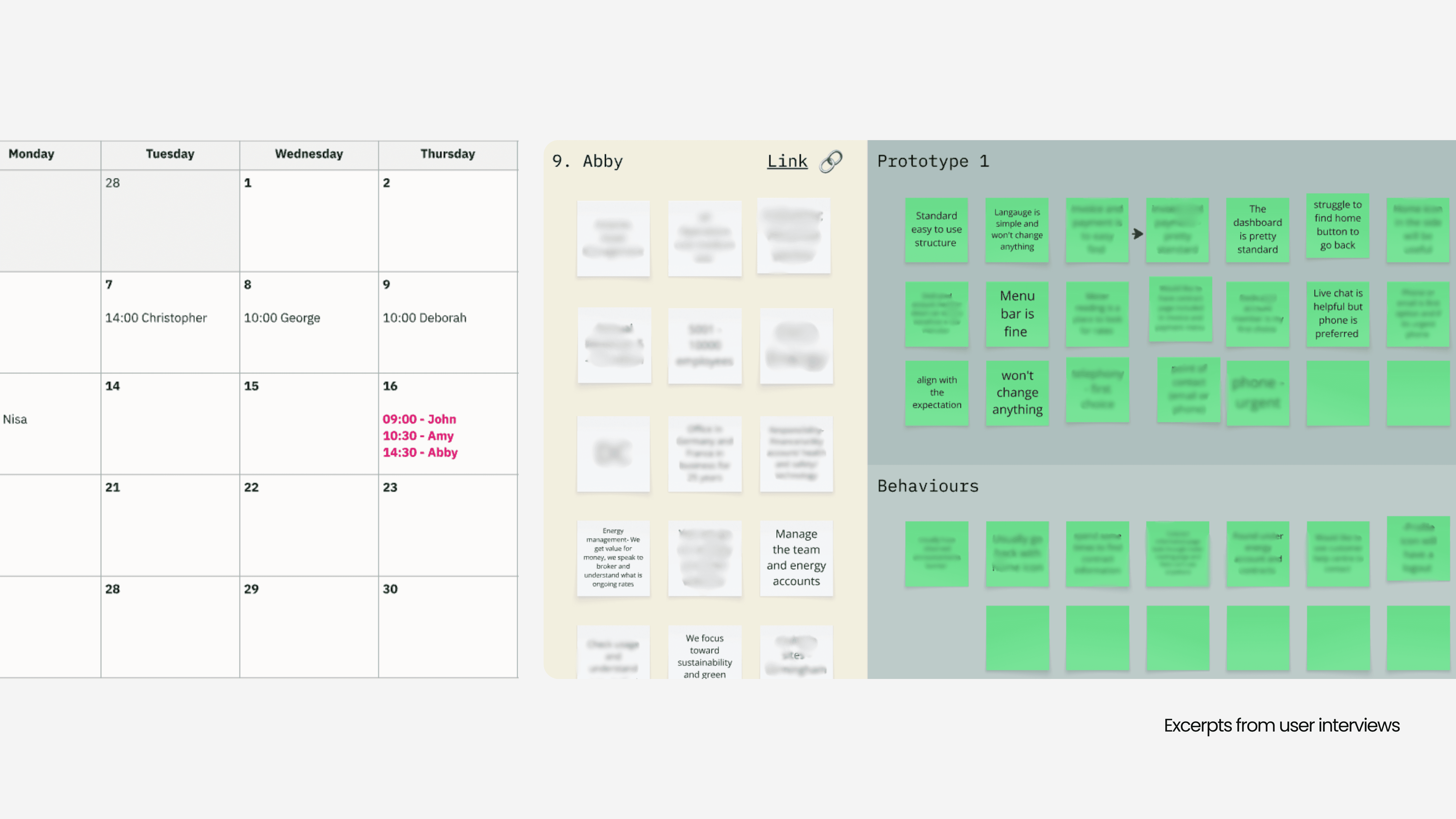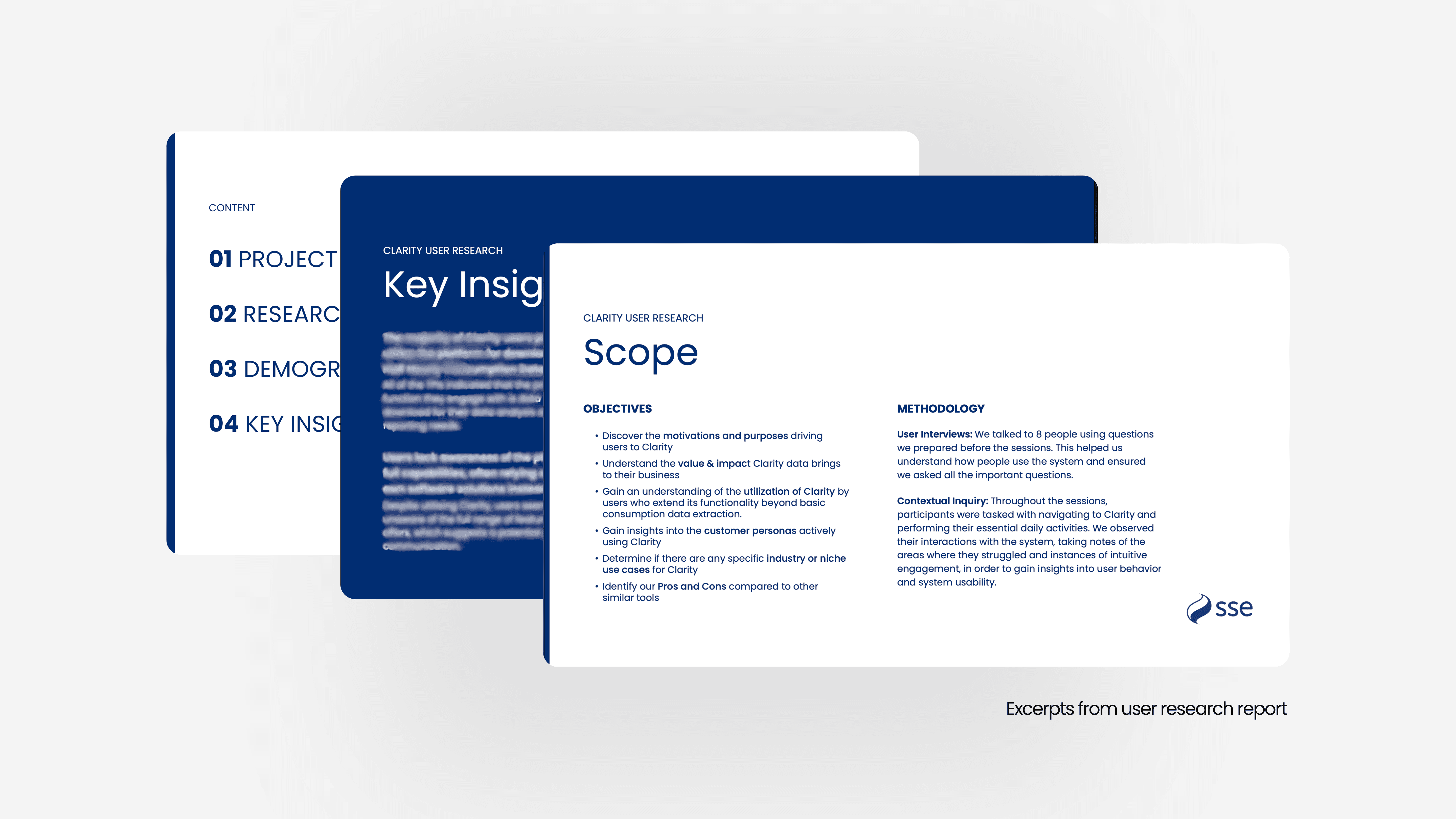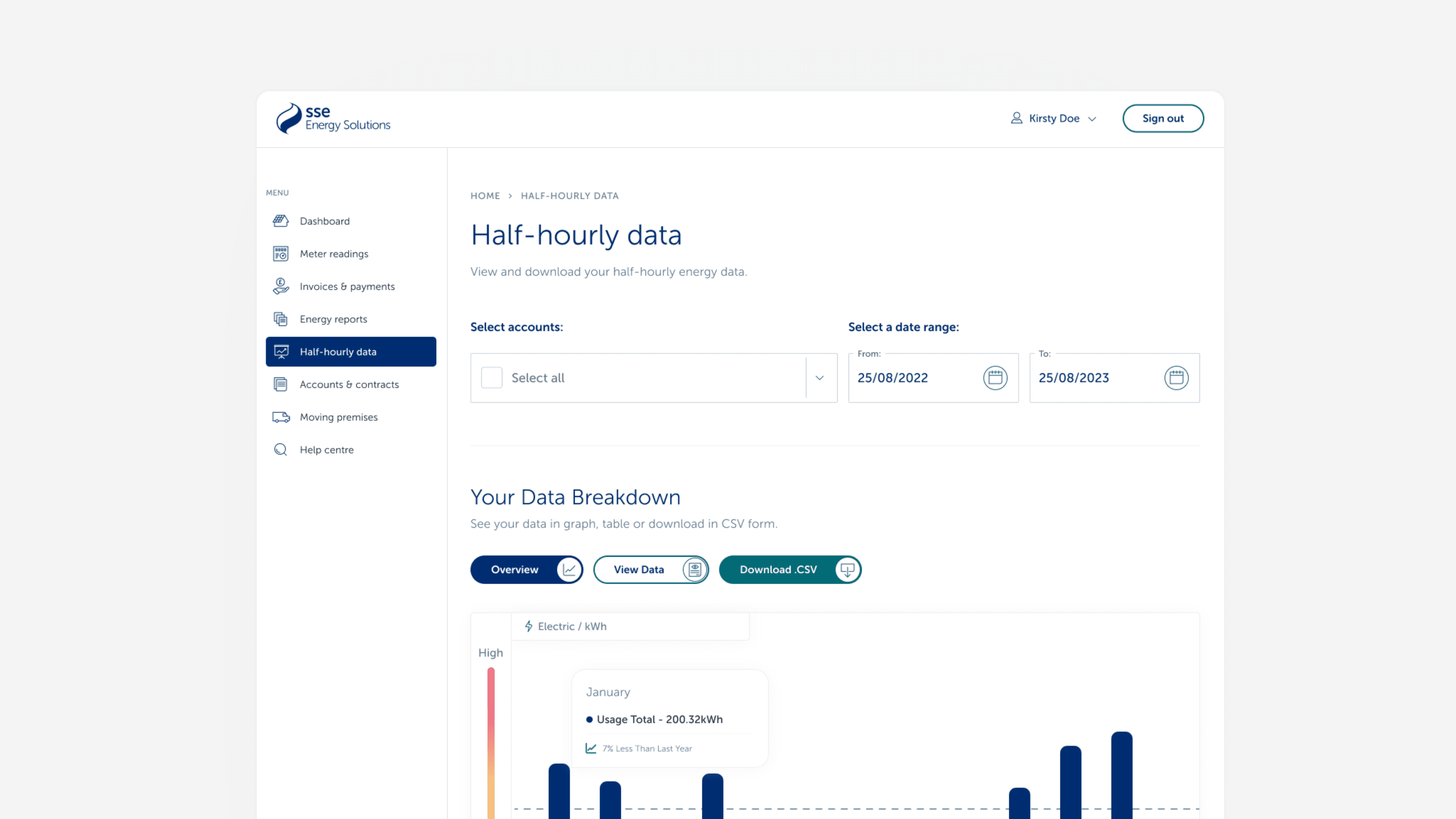
With half-hourly energy data becoming increasingly important, my role as the Designer was to understand how SSE’s customers (ranging from small businesses to large commercial clients and third-party intermediaries) were using this data in their day-to-day operations. Through a series of interviews and research sessions, we identified a clear need for customers to easily interpret half-hourly data and access it seamlessly within their account portal. In response, we designed a half-hourly reporting tool and intuitive dashboard experience. My responsibility spanned the full design process: conducting user research, defining insights, shaping the product’s structure, and delivering a clear, accessible dashboard solution that brought this complex data to life.
Services
UX Research
VISUAL DESIGN
Data visualization
Year
2024
Client
SSE Plc.
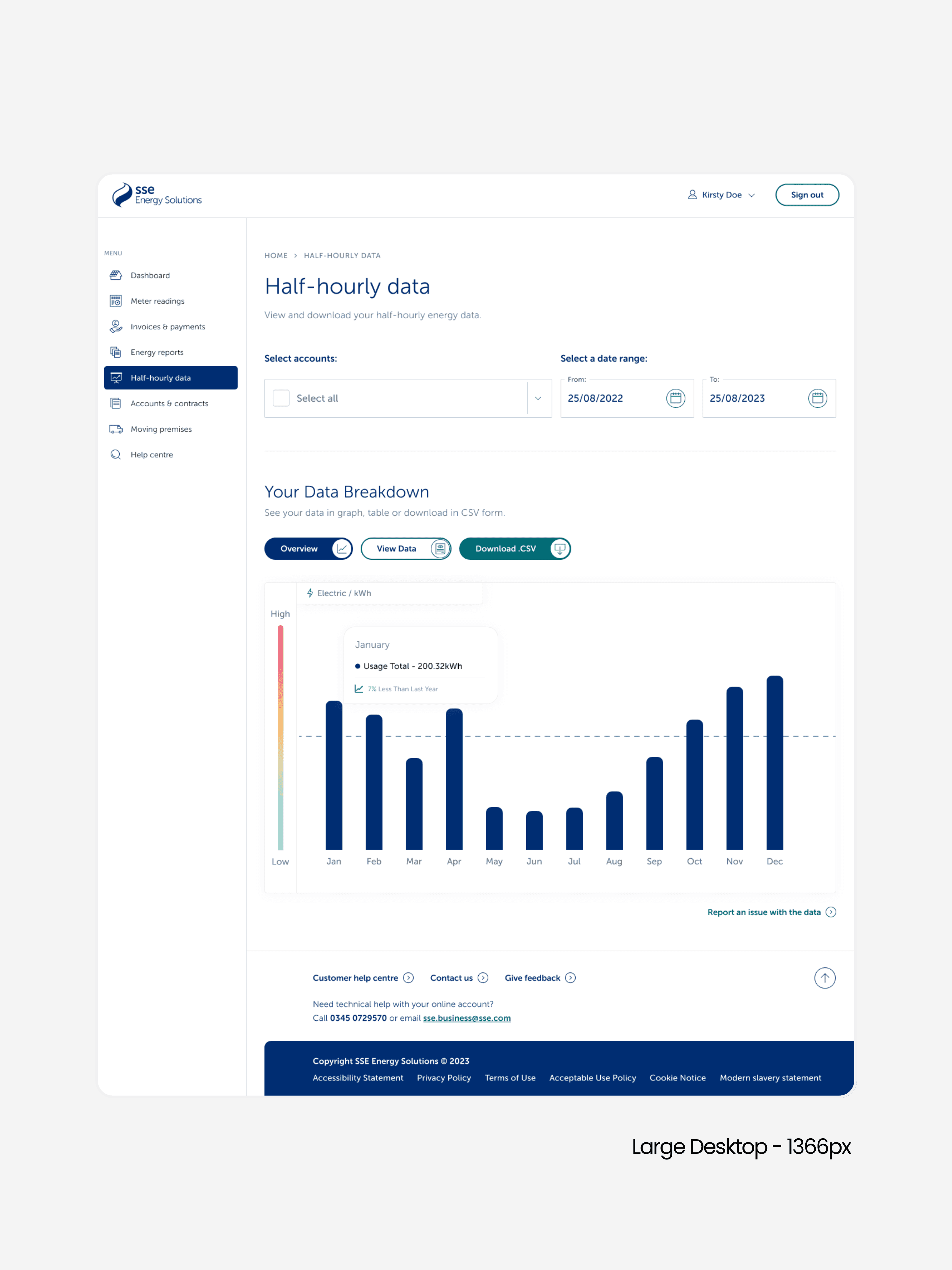
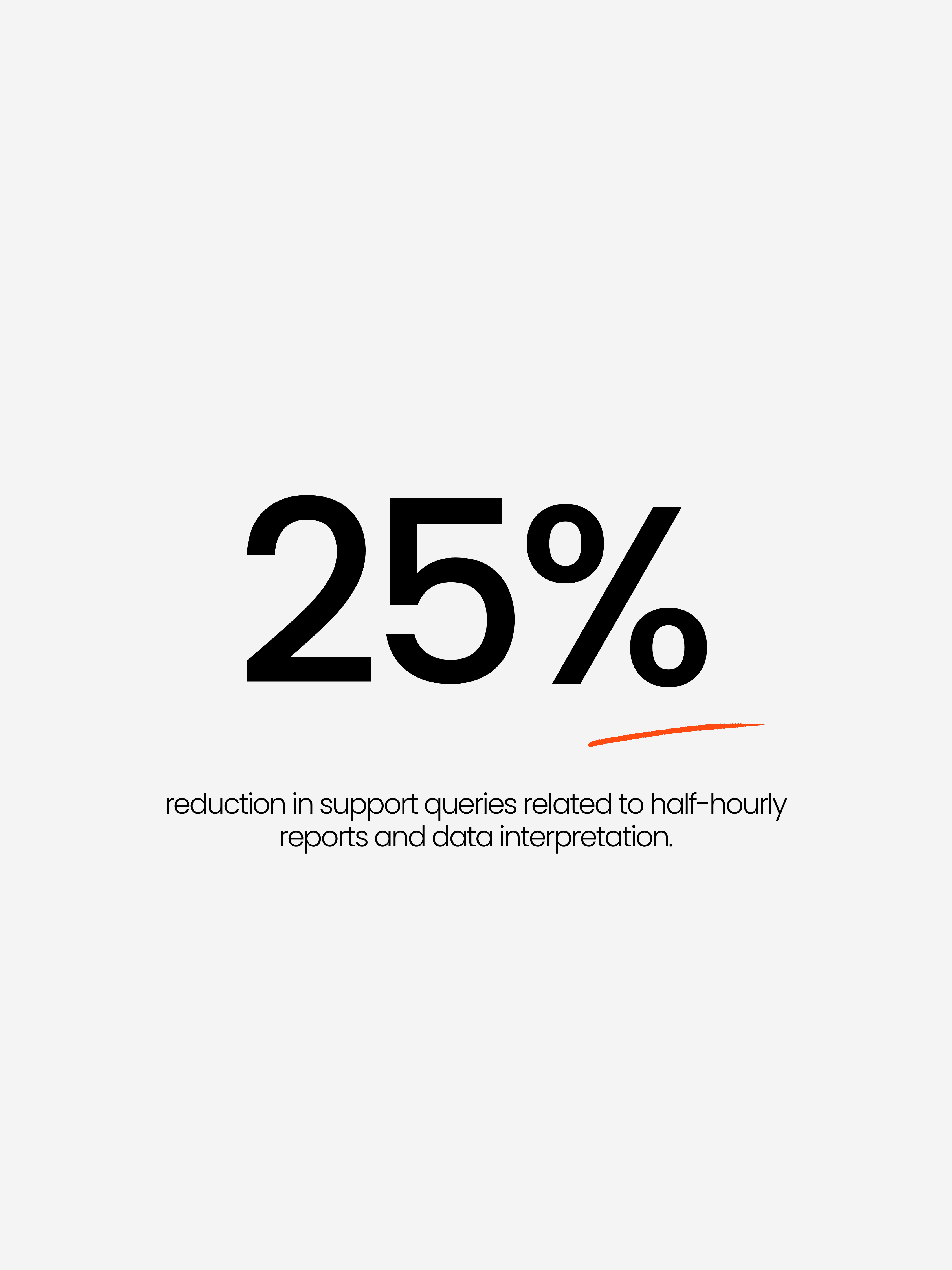
SSE wanted to rethink how we provided half-hourly energy data to business customers. This dataset is incredibly powerful as it shows exactly when energy is being used throughout the day and gives organisations the ability to spot inefficiencies, reduce waste, and make smarter operational decisions. But before we could redesign anything, we needed to understand a very simple question: How do customers actually use this data? I started by speaking with product owners, analysts, and the customer support teams who regularly handled questions about the reports. Everyone had assumptions about what customers needed, but the reality turned out to be very different from what we expected.
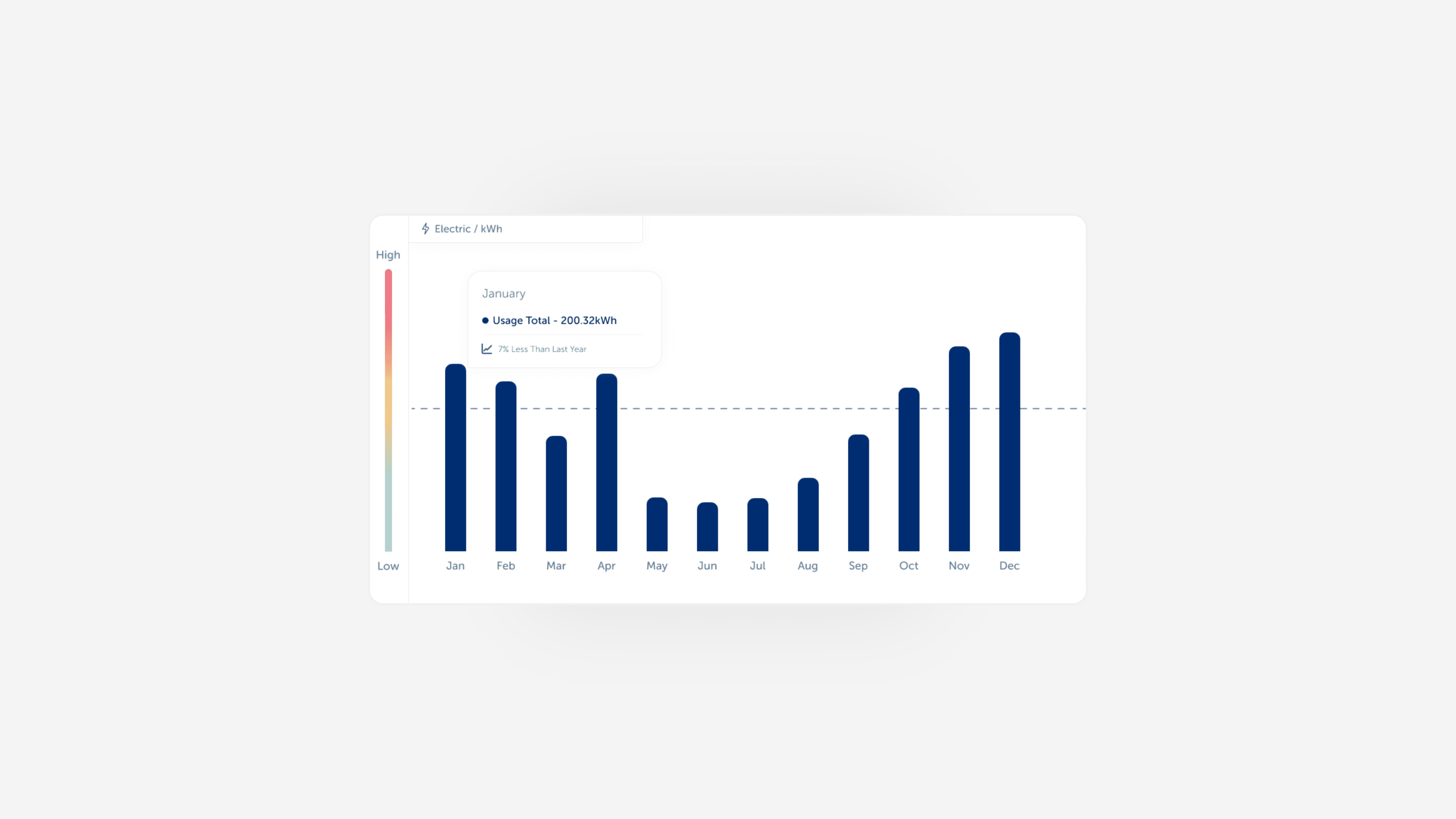
With those insights in mind, I started exploring how we could support both workflows. For data-driven users: - We prioritised the download experience - Simplified formats - Clear labelling and timestamps - Consistent structures that fit directly into customer systems - A more dependable, predictable export process For visual/reporting users: - I sketched concepts for: Clear daily and weekly usage patterns Comparisons against typical usage Friendly, readable language Charts that were easy to understand at a glance Once we aligned on the structure, I created wireframes and then moved into visual design, ensuring the layout worked both as an interactive digital experience and as exported/printable reports. The goal was simple: Give customers control over their data, while still offering clarity for those who need quick insights.
Once we had a working prototype of both the download experience and the visual reporting dashboard, we brought 6 more research participants back in for remote usability testing. The goal wasn’t just to see if they understood the design - we wanted to see whether it actually fit into their existing workflows. We asked each participant to complete common tasks such as downloading a full month of half-hourly data, identifying usage spikes, and comparing consumption across days. Watching people interact with the prototype immediately surfaced what was working and what needed refinement. What tested well - The simplified data download flow Users appreciated that the options were clearer and more predictable. Several told us they “didn’t have to think about it anymore,” which was exactly what we hoped for. - Improved chart readability The updated visual hierarchy made it easier for users to spot spikes and unusual patterns without zooming in or switching views. - Plain-language summaries Users who had previously struggled with technical terminology found the new explanations much easier to scan and share with colleagues. What needed refinement - Too many download format choices A few users hesitated because they weren’t sure which file type to pick. We simplified the options and added inline guidance to reduce decision friction. - Tooltip overload in the charts Some of our early tooltip designs revealed too much information at once, which made users lose their sense of the bigger picture. We simplified the tooltips and added optional detail layers. - Visualisation defaults Users preferred seeing a weekly overview first rather than a single day. They wanted context before diving into specifics — so we flipped the presentation order. Final Adjustments Based on the feedback, we: - Streamlined the download process to a single primary CTA - Refined the visual hierarchy of the charts to guide attention more naturally - Added subtle markers for peaks and anomalies - Reduced terminology and added simple explanations where needed - Updated the export options to reflect real customer needs These changes created an experience that felt intuitive both for people who handled raw data every day and for those who simply needed quick insights for reporting.